Deposit at a Glance
- Min Deposit
- RM20
- Credited In
- ~5 min
- Welcome Bonus
- 225%
- Games Available
- 4,200+
lf88 accepts four local payment methods — no international cards, no crypto. Every method listed here processes in Malaysian Ringgit (RM/MYR), and lf88 does not charge any deposit fees. Whatever you transfer lands in your wallet in full.
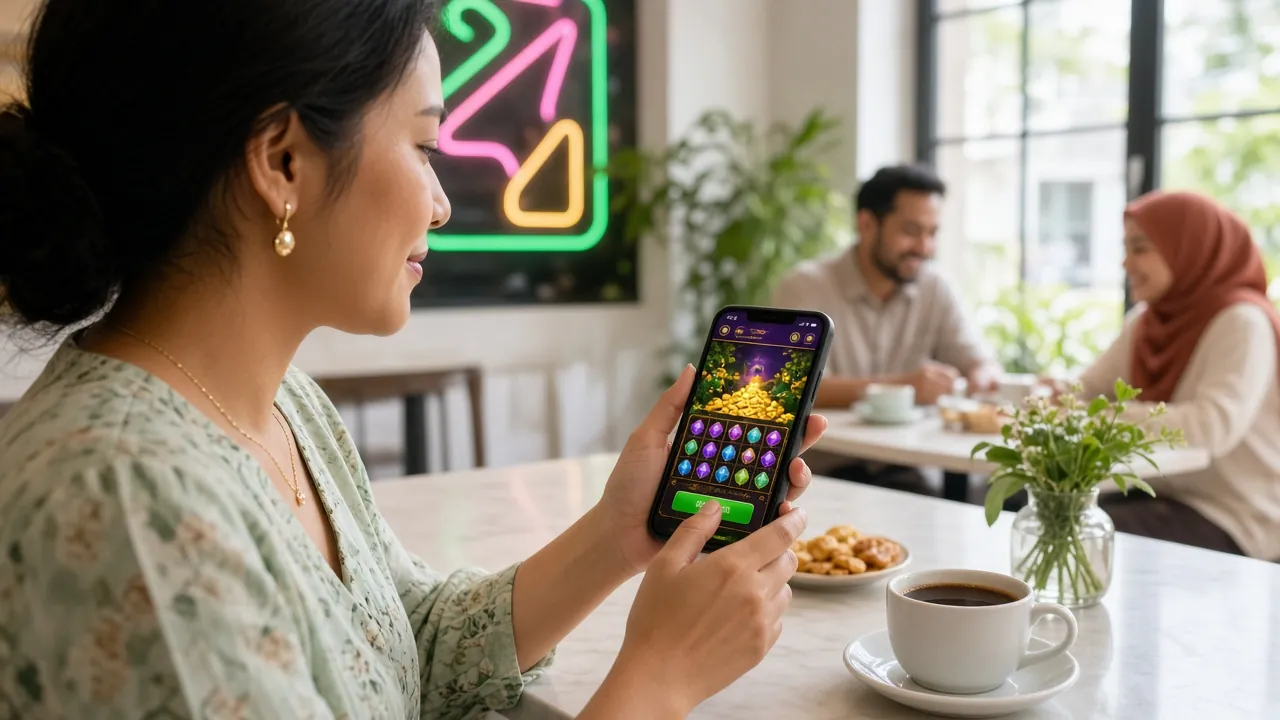
All Payment Methods
All four methods below are instant-to-near-instant. Choose whichever app or bank account you already use daily.
-
Touch 'n Go eWallet
Deposit: ~5 min
Withdrawal: ~26 min
Min: RM20 -
DuitNow
Deposit: ~5 min
Withdrawal: ~26 min
Min: RM20 -
FPX Online Banking
Deposit: ~5 min
Withdrawal: ~26 min
Min: RM20 -
Bank Transfer
Deposit: ~5 min
Withdrawal: ~26 min
Min: RM20
How to Make a Deposit — General Flow
Regardless of which payment method you pick, every lf88 deposit follows the same four-step flow. Specific instructions for each method appear in the sections below.
-
1
Log In to lf88
Open lf88 in your browser or the lf88 App and sign in to your account.
-
2
Open Cashier
Tap the wallet icon or go to Account → Deposit. Select your preferred payment method.
-
3
Enter Amount
Type the amount in RM (minimum RM20). Confirm and follow the on-screen instructions for your chosen method.
-
4
Confirm & Play
Complete the payment in your banking app or eWallet. Funds appear in your lf88 wallet within 5 minutes.
Touch 'n Go eWallet — Step by Step
Touch 'n Go eWallet is the fastest option for most Malaysian players. The whole process happens inside your TNG app — no internet banking login needed.
Touch 'n Go eWallet Deposit
- Log in to lf88 and go to Account → Deposit → Touch 'n Go eWallet.
- Enter your deposit amount (minimum RM20) and tap Proceed.
- lf88 displays a payment QR code or a deep-link button. Tap Open TNG App or scan the QR from your TNG app.
- Confirm the payment amount inside the TNG app and authorise with your PIN or biometrics.
- Return to lf88 — your balance updates within approximately 5 minutes. You will also receive an in-app notification.
DuitNow — Instant Transfer via QR
DuitNow is supported by all major Malaysian banks. If you use Maybank2u, CIMB Clicks, RHB Now, or any bank that supports DuitNow QR, this method works for you.
DuitNow Deposit
- Go to Account → Deposit → DuitNow in lf88.
- Enter the deposit amount and tap Generate QR.
- Open your banking app, choose DuitNow QR or Scan & Pay, and scan the code displayed on lf88.
- Verify the payee name and amount, then confirm with your bank's PIN or biometrics.
- Your lf88 wallet credits within about 5 minutes. Check the Transaction History page if it seems delayed.
FPX Online Banking — Desktop & Mobile
FPX (Financial Process Exchange) lets you pay directly from your bank account without leaving money in a third-party eWallet. Ideal for larger deposits or if you prefer internet banking.
FPX Online Banking Deposit
- In lf88, go to Account → Deposit → FPX Online Banking.
- Enter the amount (minimum RM20) and select your bank from the list.
- You are redirected to your bank's secure login page. Sign in with your internet banking credentials.
- Approve the transaction via TAC/OTP sent to your registered mobile number.
- You are redirected back to lf88 with a confirmation message. Balance appears within 5 minutes.
Bank Transfer — Manual Top-Up
Bank Transfer suits players who prefer sending money via their bank's own transfer function rather than the FPX redirect. Use this if FPX is unavailable for your bank.
Bank Transfer Deposit
- Go to Account → Deposit → Bank Transfer. lf88 displays a receiving bank account number (this may rotate per transaction — always use the one shown for that specific deposit).
- Open your banking app and initiate a transfer to the displayed account, entering the exact RM amount.
- In the payment reference or description field, enter your lf88 username exactly as registered.
- Submit the transfer and note down your bank's transaction reference number.
- Return to lf88 and upload your transfer receipt or enter the reference number in the deposit form. Click Submit Proof.
- lf88 verifies the transfer — funds are credited within approximately 5 minutes during business hours.
Deposit Failed? Here Is What to Do
Most deposit failures have a simple fix. Run through this table before contacting support — it will save you time.
| Symptom | Likely Cause | Fix |
|---|---|---|
| Payment deducted from TNG / bank but lf88 balance unchanged after 10 minutes | Network timeout between payment gateway and lf88 | Contact 24/7 Live Chat with your bank or TNG transaction reference number. Funds are usually credited manually within 30 minutes. |
| FPX page shows "Transaction Unsuccessful" | Incorrect TAC/OTP, session timeout, or bank daily limit reached | Check your bank's daily online transfer limit. Request a new TAC and retry. If the limit is the issue, use TNG or DuitNow instead. |
| DuitNow QR code says "expired" | QR code was not scanned within the validity window (usually 3–5 minutes) | Go back to lf88 Cashier and generate a new QR code. Do not scan the old one again. |
| Bank Transfer not credited after 30 minutes | Recipient account number used was from a previous session, or username was missing from the reference | Send your bank receipt and lf88 username to Live Chat. Always use the account number shown on the current deposit screen. |
| Deposit amount below RM20 was rejected | Minimum deposit requirement not met | Enter at least RM20 to proceed. There is no maximum set by lf88. |
| "Account not verified" error at Cashier | Email or phone verification not completed during registration | Check your inbox for the lf88 verification email, or go to Account → Verification and complete the step. |
Claim Your 225% Welcome Bonus on First Deposit
Your very first lf88 deposit is eligible for a 225% Welcome Bonus, capped at RM350. Deposit RM20 and you start with RM65 in your account. Deposit the full cap amount and you gain an extra RM350 to play with.
Frequently Asked Questions
What is the minimum deposit amount at lf88?
How long does an lf88 deposit take to arrive?
Does lf88 charge any deposit fees?
My money left my account but lf88 balance has not updated — what should I do?
Can I use another person's bank account or TNG to deposit?
Can I deposit via the lf88 App on Android?
Before You Top Up — What to Check
A deposit that fails at 11pm on a match night is almost always an avoidable one. Three things catch most Malaysian players out: the wallet balance, the bank's daily transfer cap, and a stale QR code.
- Balance first. Open Touch 'n Go or your banking app and check you have enough before you start the cashier flow.
- Match the name. The bank account or eWallet used to pay must be registered under your own name, exactly as it appears on your lf88 profile.
- Keep the reference. Screenshot the transaction reference from your bank or TNG app the moment it appears.
If your deposit lands in the wallet but the balance still reads zero after ten minutes, have those three details ready and open Live Chat.
| Method | Best For | Needs Bank Login |
|---|---|---|
| Touch 'n Go eWallet | Quick top-ups on mobile | No |
| DuitNow | Players who bank via QR | Yes, in your bank app |
| FPX Online Banking | Larger deposits, desktop | Yes, redirected |
| Bank Transfer | Banks without FPX support | Yes, manual transfer |
Frequently Asked Questions
What is the minimum deposit amount at lf88?
How long does an lf88 deposit take to arrive?
Does lf88 charge any deposit fees?
My money left my account but lf88 balance has not updated — what should I do?
Can I use another person's bank account or TNG to deposit?
Can I deposit via the lf88 App on Android?
Is there a deposit limit per day?
Do I need to verify my account before depositing?
Need Help?
Our support team is available around the clock. If your deposit is delayed, stuck, or you are not sure which method to use — reach out via Live Chat.
Open Live ChatYou can also find answers in the Help Centre FAQ or check the Withdrawal Guide when you are ready to cash out.
Ready to Make Your First Deposit?
Create your free lf88 account in under two minutes. Deposit from RM20 and your 225% Welcome Bonus (up to RM350) is waiting for you. Funds land in about 5 minutes — start playing the same evening.
Already have the app? Download the lf88 App and deposit from your phone anytime.