lf88 App — Download APK for Android & iOS
Get the lf88 App on your phone and carry the full casino and sports lobby wherever you go. Free to download, no App Store needed for Android — just grab the APK and install in minutes.
Scan with your phone camera to download
What You Get Inside the lf88 App
Over 4,200 Games
The full lf88 game library travels with you — slots from PG Soft and Red Tiger, live casino tables from Evolution and Ezugi, crash games, card games and lottery rounds. No browser tab needed, just tap and play.
Deposits in Under 5 Minutes
Touch 'n Go eWallet, DuitNow, FPX and Bank Transfer all work inside the app. Minimum deposit is RM20. Funds arrive in your lf88 wallet within 5 minutes — no switching to a browser to top up.
Withdrawals Processed in ~26 Minutes
Request a cash-out from the app cashier. Standard withdrawal is processed in about 26 minutes. Daily limit for Copper tier players is RM12,000. Higher VIP tiers unlock larger daily limits up to RM100,000.
Claim Bonuses On the Go
The 225% first-deposit bonus (up to RM350) and all ongoing promotions — including the 16% reload bonus and 0.6% daily cashback — are accessible directly from the Promotions tab. No separate login required.
Push Notifications
Opt in to get alerts when your withdrawal clears, when a new promotion drops, or when a football match you've betted on kicks off. Notifications can be managed in Android Settings any time you like.
24/7 Live Chat Built In
Tap the Support icon to reach the lf88 Live Chat team without leaving the app. Response times are fast — typically under 2 minutes during peak hours. Use this for deposit issues, bonus queries or account questions.
Security & Permissions Explained
The lf88 APK requests only the permissions it genuinely needs. Here is what each one does and why it is safe.
256-bit SSL Encryption
All data sent between your phone and lf88 servers — login credentials, transaction details, game results — travels over an encrypted TLS 1.3 connection. No third party can intercept your session. The padlock icon appears in your Android network inspector when connected.
Camera Access (KYC Only)
Camera permission is requested only when you submit a KYC document photo for account verification — required before your first withdrawal. The app does not access your camera during normal gameplay. You can revoke this permission in Android Settings after verification is complete.
Network Access
The app needs internet access to load games and process transactions — this is standard for any online platform. It does not access other apps on your phone, read your contacts or use mobile data in the background when the app is closed.
APK Integrity Check
The APK file hosted at lf88.click is signed and SHA-256 verified. Only download from this page (lf88.click/lf88-app/) or by scanning the QR code above. Third-party APK sites may distribute modified builds — avoid them to protect your account and device.
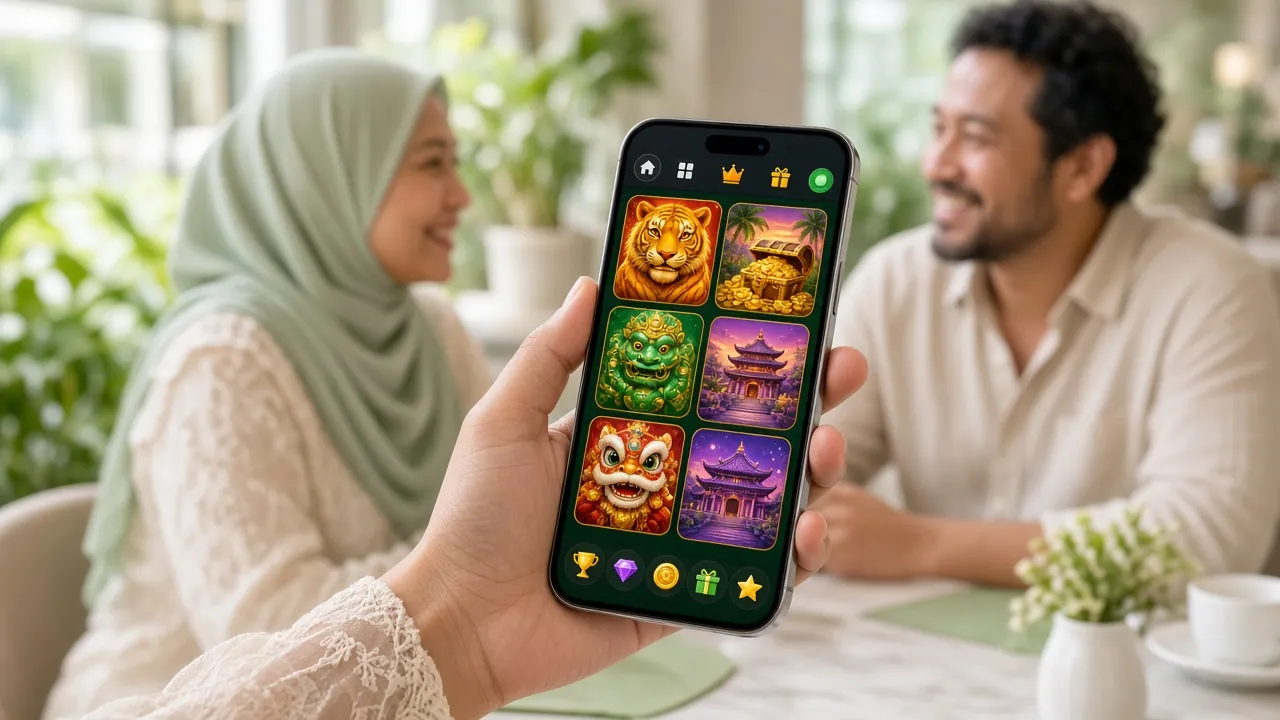
Install the lf88 APK on Android
Follow these 5 steps. The whole process takes about 3 minutes on a standard Android device running Android 10 or newer.
-
1
Allow Unknown Sources
Open Android Settings → Apps → Special App Access → Install Unknown Apps. Find your browser (e.g. Chrome) and toggle Allow from this source to On. This one-time setting lets Android accept APK files from outside the Play Store.
-
2
Download the APK File
Tap the Download APK button on this page. Your browser will download lf88.apk (58 MB) to your Downloads folder. Make sure you have a stable connection — mobile data or Wi-Fi both work. The download usually finishes in under 30 seconds on 4G.
-
3
Open & Run the Installer
Pull down your notification shade and tap the completed download, or open your Files app, go to Downloads and tap lf88.apk. Android will show an install prompt listing the app's permissions. Tap Install and wait about 15 seconds for the process to complete.
-
4
Log In or Register
Open the lf88 App from your home screen. If you already have an account, tap Log In and enter your credentials. New players can tap Register to create a free account in under 2 minutes. Your username and password are the same as the website — no separate app account needed.
-
5
Deposit & Start Playing
Head to the Cashier tab and deposit a minimum of RM20 using Touch 'n Go, DuitNow, FPX or Bank Transfer. First-time depositors automatically qualify for the 225% welcome bonus (up to RM350). Funds arrive within 5 minutes — then the full game library is yours to explore.
iPhone & iPad — Add lf88 to Your Home Screen
Apple does not allow sideloaded APKs, but lf88 runs as a Progressive Web App on iOS. The experience is nearly identical to a native app: full-screen display, fast loading and quick access from your home screen.
- 1 Open Safari on your iPhone or iPad and go to lf88.click. Safari is required — Chrome and Firefox on iOS cannot add to home screen with PWA support.
- 2 Tap the Share icon (the box with an upward arrow) at the bottom of the Safari toolbar. On iPad, it appears at the top right of the screen.
- 3 Scroll down the share sheet and tap Add to Home Screen. Edit the name if you like (the default is "lf88"), then tap Add in the top-right corner.
- 4 The lf88 icon now appears on your home screen. Tap it to open the casino in full-screen mode — no address bar, no browser tabs. Log in with your existing account and play normally.
iOS vs Android — Key Differences
- Push notifications: Not available on iOS PWA (available on Android APK)
- App size: No download on iOS — loads from web
- Updates: iOS version updates automatically each visit; Android APK requires manual re-download
- Performance: Android APK is generally faster on lower-end devices
- Account login: Same credentials work on both platforms
System Requirements & Version Details
APK file is digitally signed. If your Android device shows a "harmful app" warning from Google Play Protect, tap Install Anyway — this is standard behaviour for any APK installed outside the Play Store.
Ready to Download?
Get lf88 v2.3.3
58 MB · Android 10+ · Free
By downloading you confirm you are 18 or older and agree to our Terms & Conditions.
Games Available Inside the App
View Full Casino →All 4,200+ games load in the app — here are a few fan favourites available on mobile. Tap any card to register and start playing.


lf88 App vs Browser — Which Should You Use?
Both give you the full game library, but the Android APK has a few extras that the browser version does not. Here is a direct comparison to help you decide.
Recommendation: If you play on Android regularly, use the APK for the best experience. If you are on iPhone or just testing, the mobile browser or iOS home-screen shortcut works perfectly well.
Fix Common APK Install Problems
Hit a snag during installation? Most issues have a quick fix. Work through the table below before contacting support.
Frequently Asked Questions
Is the lf88 APK safe to install on my Android phone?
Yes. The lf88 APK hosted on this page (lf88.click/lf88-app/) is digitally signed and SHA-256 verified before each release. It does not contain malware, spyware or hidden code. The Google Play Protect warning you may see is a standard Android alert shown for any APK installed outside the Play Store — it is not specific to lf88. Always download only from this official page or by scanning the QR code above to ensure you have the genuine file.
My installation failed. What should I do first?
Start by checking that "Install Unknown Apps" is enabled for your browser in Android Settings → Apps → Special App Access. If that is already on, delete the downloaded file and re-download — a partial download is the most common cause of install failures. Make sure you have at least 100 MB of free storage. If you see an "App not installed" error, uninstall any older version of lf88 from your device first, then install the fresh APK. Still stuck? Open Live Chat inside lf88.click for step-by-step help.
How do I update the lf88 App when a new version is released?
The lf88 App does not update automatically — you need to re-download the latest APK from this page whenever a new version is available. A notification banner inside the app will appear when an update is ready. Tap it to be taken directly to the download page. Your account data, balance and VIP progress are stored server-side, so updating the app will not affect them. The current version is 2.3.3, last updated 10 November 2026.
Can I use the same account on the app and the website at the same time?
Your lf88 account works across all platforms — the Android app, the iOS home-screen shortcut and the full website all use the same username and password. You can log in on multiple devices, but for security we recommend not running two active game sessions simultaneously as this may trigger our fraud-prevention system and temporarily hold your account pending a review. If you switch devices mid-session, always log out cleanly before switching over.
Does the app work on older Android phones or low-end devices?
The lf88 App requires Android 10.0 or higher. Devices running Android 9 or earlier are not supported. On low-end phones with 2 GB of RAM or less, performance may vary depending on which game you are playing — slots and crash games are generally lighter than live dealer tables that stream HD video. If your phone struggles, close all background apps before launching lf88, or switch to the mobile browser version at lf88.click which may use slightly less memory.
Is the lf88 App available on the Google Play Store or Apple App Store?
No. The lf88 Android app is distributed as a direct APK download from this page — it is not listed on the Google Play Store. This is standard practice for online casino apps in Malaysia, as Google's Play Store policies restrict real-money gambling apps in most regions. iPhone and iPad users do not need an app — the lf88 website works as a full Progressive Web App on iOS Safari, and you can add it to your home screen following the iOS steps on this page.
Will downloading the APK cost me anything or use a lot of mobile data?
The APK file is completely free to download — lf88 charges no download or installation fee. The file size is 58 MB, which uses roughly 58 MB of your mobile data allowance if you are not on Wi-Fi. We recommend downloading over Wi-Fi to avoid data charges from your mobile carrier. Once installed, gameplay data usage depends on the game type: slots use around 3–5 MB per session, while live dealer games streaming HD video can use 200–400 MB per hour.
Need Help?
Our support team is available 24 hours a day, 7 days a week. If you cannot install the app or have an account issue, Live Chat is the fastest way to get a fix — typically under 2 minutes response time.
Open Live ChatNo account yet? Register free to access full support. Existing players can log in here.
Play Responsibly · Gambling is for Adults Only
The lf88 App is strictly for players aged 18 and above. Gambling should be entertainment, not a source of income. Set deposit limits in your account settings, take regular breaks and never chase losses. If you or someone you know needs support, visit our Responsible Gaming page for resources.